
Early days with the XTEINK X4 ereader
A tiny ereader device that I purchased and love, some thoughts and impressions on it after a couple weeks with it!
A couple of weeks ago I acquired a tiny ereading device, the XTEINK X4. It all started with a YouTube video reviewing the device that I first shared in one of my weeknotes. A day later I saw that James had been using one already, and soon enough after a few more reviews I ordered one myself.
Along James, some other people I follow on the fedi got it, such as Neil, who shared his thoughts on it too.
And because of me (yes, I’m taking all the credit ;) Jeremy got one, wwwgem got one, Robert got one, njrk got one… so on and so forth. A quick look through the hashtag will show how the device’s gotten popular for a few months now.
There really are not a lot of reasons not to give it a go. With a price of 70 bucks or much less on a good sale, there is no excuse, in my opinion.
The XTEINK X4 has excellent battery life, a great set of physical buttons—with no touch screen—and, best of all, a community building homebrew for it and making it better day after day!
The most popular firmware is CrossPoint, which optimizes quite a lot of things compared to the built-in OS. In fact, I didn’t even use the device until I got it installed—it took me less than ten minutes.
All I did was change the language, plug the device to my dad’s Windows laptop—because I couldn’t bother to figure out permissions for the serial USB access on my Linux-powered laptop, sorry not sorry—and off I went.
I went for a minimal and more manual approach. I only have eight books on it, and I will only be replacing them as I go through them. The device doesn’t have a lot of memory—much less than a megabyte of RAM—so it’s ideal to format the EPUBs accordingly to avoid high-resolution covers and unsupported features diminishing the experience.
Honestly, the EPUB files look great, the font included with the firmware, Bookerly—which was made for Kindle back in 2015—is a pleasure to read through as well. Here’s how a page of text looks like:
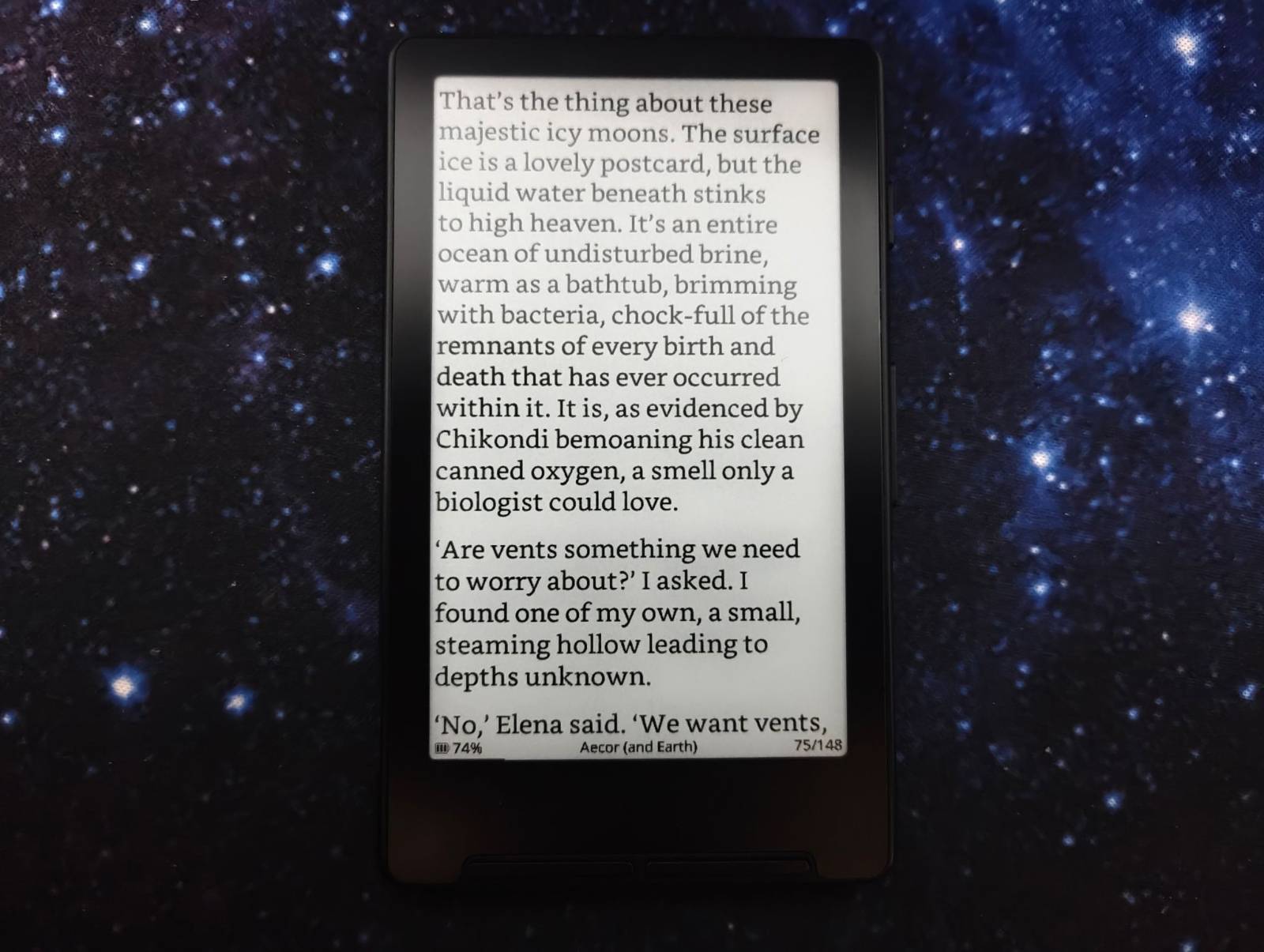
You can change the font, margins, UI theme, and most other regular settings, and the controls for it all are very intuitive. There’s also plenty of mods and forks adding even more features, such as reading statistics.
www-gem has done a lot of work finding links and extra tools, so definitely check out his posts on the device if you’re curious about all its possibilities.
I already finished one book on it, and I am making progress on another two. The reading experience is excellent and I really have no complaints about it other than the lack of a backlight.
I carry it almost everywhere, and reading one or two pages—often many more—at any point is painless, as it wakes up in just a couple seconds from sleep. The portability really is killer too. Like Jeremy, I also added a magnet to my Nothing (3A) to stick it there and have it with me.
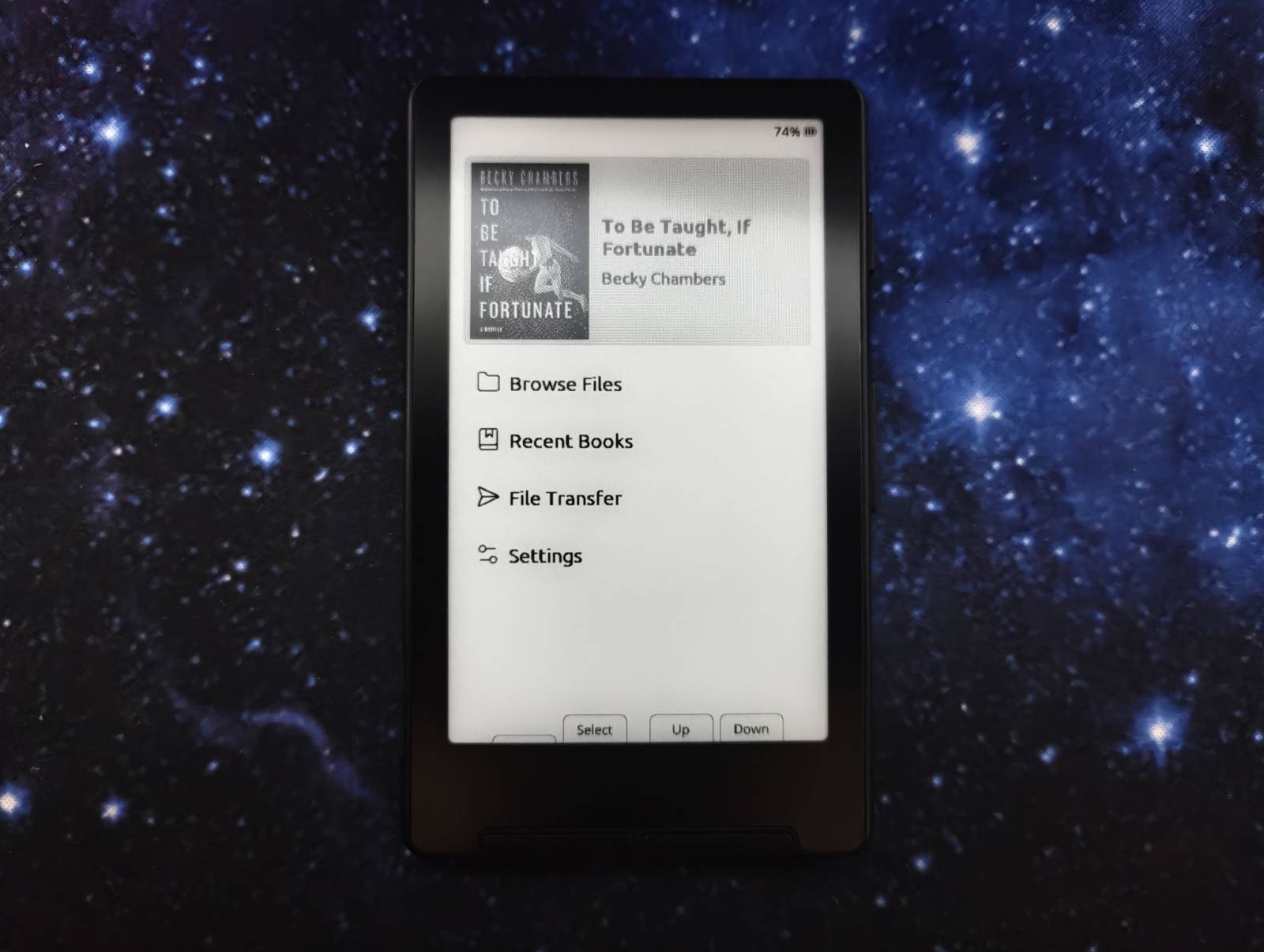
I don’t know what else to say, I’ve not even charged it since I bought it! I’ll just keep reading on it and enjoying the process.
Even though I still love my Kobo Clara 2E, this makes for an excellent companion device. The lack of stats on CrossPoint at the moment makes it so I don’t really want to read big books on it as much, but maybe I’ll get over that soon. I’m happy to read Clarkesworld magazine and short novellas on it though…
This is day 47 of #100DaysToOffload
Comments
If you have something to say, leave a comment, or contact me ✉️ instead
Reply via Fediverse
You can reply on any Fediverse (Mastodon, Pleroma, etc.) client by pasting this URL into the search field of your client:
https://fosstodon.org/@joel/116369361291372517
Are you looking for more? Here's some more great content for those who dare scroll down this section of the page. Suit yourself!


